Codes
Working Merge Dig Simulator Roblox codes, Coin Potion rewards, and Shop redemption steps before those codes expire.
View all CodesMerge pickaxes, mine coins, and redeem Roblox codes before they expire.
Fan wiki for Merge Dig Simulator on Roblox: working codes, pickaxe merges, mining tips, and progression guides.
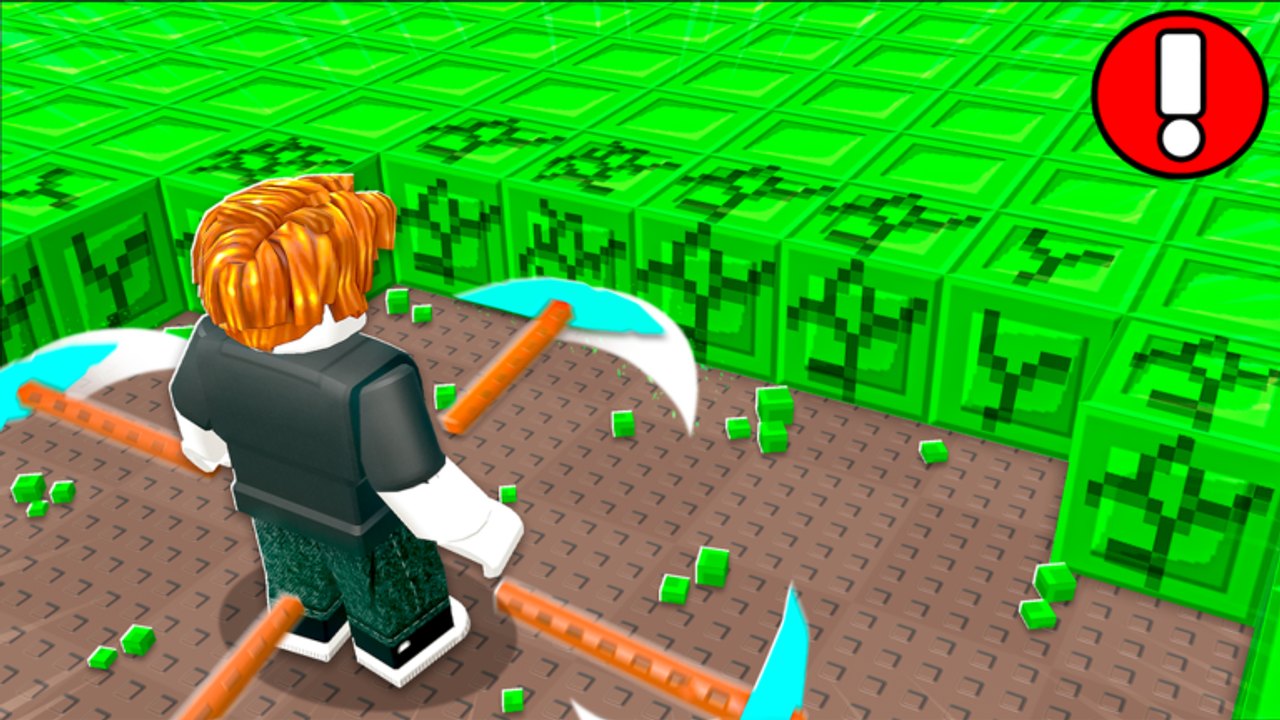
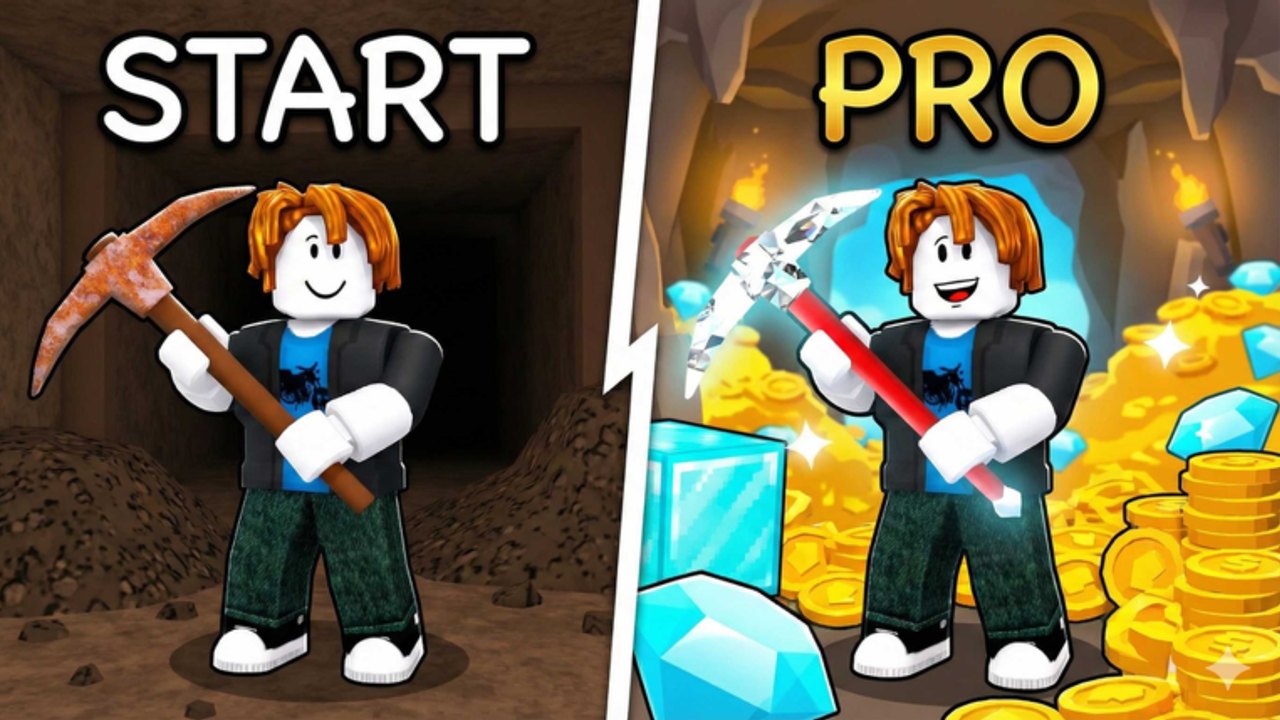
Merge Dig Simulator is the Roblox incremental experience officially titled Merge & Dig!, published by the Merge Diggers group. You merge two identical pickaxes into a stronger tool, swing those tools into cube blocks for coins, then spend coins on upgrades and new pickaxe unlocks. Premium members earn +10% coins. Servers hold up to eight players, and the listing invites friends, group joins, and likes for extra rewards. Start with the getting started guide, redeem the working codes, then use the pickaxe tier list and the merge walkthrough so you do not stall on wood-tier tools. When a Coin Potion drops, open the rewards explainer before you waste the timer in the shop menu.
Working Merge Dig Simulator Roblox codes, Coin Potion rewards, and Shop redemption steps before those codes expire.
View all CodesMerge Dig Simulator Roblox guides: first spawn, pickaxe merging, mining coins, group rewards, and faster progression.
View all GuidesMerge Dig Simulator tier lists for pickaxes and upgrades: what to merge first, what to buy, and what to ignore.
View all Tier ListMerge Dig Simulator player types: free-to-play miners, Premium coin bonus, group members, and eight-player servers.
View all PlayersMerge Dig Simulator patch tracker: October 2025 launch, 2026 experience updates, codes, and where notes appear first.
View all UpdatesMerge Dig Simulator scripts overview: auto-merge and auto-mine features, account risk, and safer ways to progress.
View all ScriptsMerge Dig Simulator player tools: session checklist, code order, merge planning, and potion timing without spreadsheets.
View all ToolsOfficial Merge Dig Simulator Roblox links: experience page, Merge Diggers group, Discord, and what is not official.
View all LinksOpen Merge & Dig! on Roblox, join the Merge Diggers group, and like the experience before you grind. Exclusive rewards sit behind those two clicks. Full steps live in the group and Premium guide.
Tap Shop, open the Codes tab, and enter Release for a Coin Potion. Follow the how to redeem page if the button is hiding on mobile.
Two identical tools become the next tier — official art shows Diamond + Diamond becoming Secret. The merge guide covers the loop.
Activate the Coin Potion from the Potions tab, then smash blocks. Timing is explained in code rewards and how to mine.
Do not buy cosmetics first. Use the upgrade tier list and the session checklist before you dump a stack of coins.
Quick answers to the most common questions.
Read the getting started guide, redeem working codes, then merge your first matching pair using the merge walkthrough.
Release grants one Coin Potion. Enter it in Shop → Codes. Details and expiry notes sit on the codes hub.
No. This is a fan-made resource for Merge & Dig! on Roblox. Confirm codes and rewards in the official Discord and group before you treat a rumor as a patch.
English, French, German, Spanish, and Brazilian Portuguese. The terms, privacy, and cookie pages stay in English for every language.
The public Roblox listing and codes coverage focus on pickaxes, coins, upgrades, and unlocks. Treat pet rumors as unconfirmed unless they appear in an updates note.
Yes. Servers cap at eight players and the experience advertises invite rewards. Controls differ by device — see controls and the players hub.
Claim codes, follow the beginner path, and check the tier list before you spend coins on the wrong unlock. Then join the Discord and group so you do not miss the next drop.
Open the beginner guide